Bookora guides
How to open an FB2 book on Android
If an FB2 file is already on your phone, you can add it to Bookora and read it with adjustable text and themes.
- 01
Install Bookora
Get Bookora from Google Play and open the app. Sign in if the app asks you to.
- 02
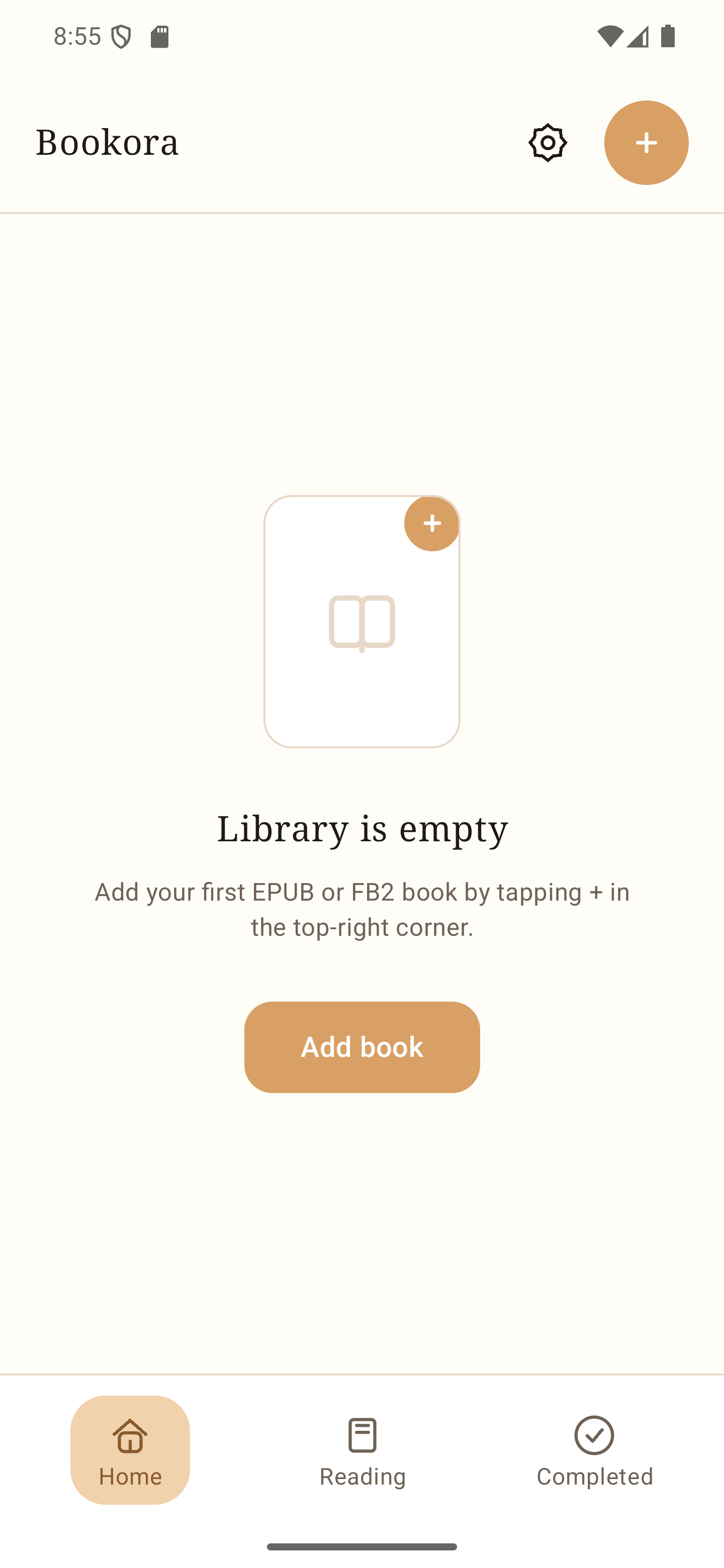
Add the FB2 file
On the library screen, tap the + button in the upper-right corner or Add book. In Android's file picker, find your FB2 file, for example in Downloads, and select it.
- 03
Open and read
Wait for the book to appear in the library, then tap it. In the reader, adjust the font, text size, spacing or theme to suit you.
Use your own legally obtained book files. Bookora does not supply books.
Bookora for Android