Bookora guides
EPUB text to speech on Android: listen and follow the text
Bookora can read your EPUB aloud while keeping the book open, so you can follow along on the page. This is text to speech (TTS) for your own books.
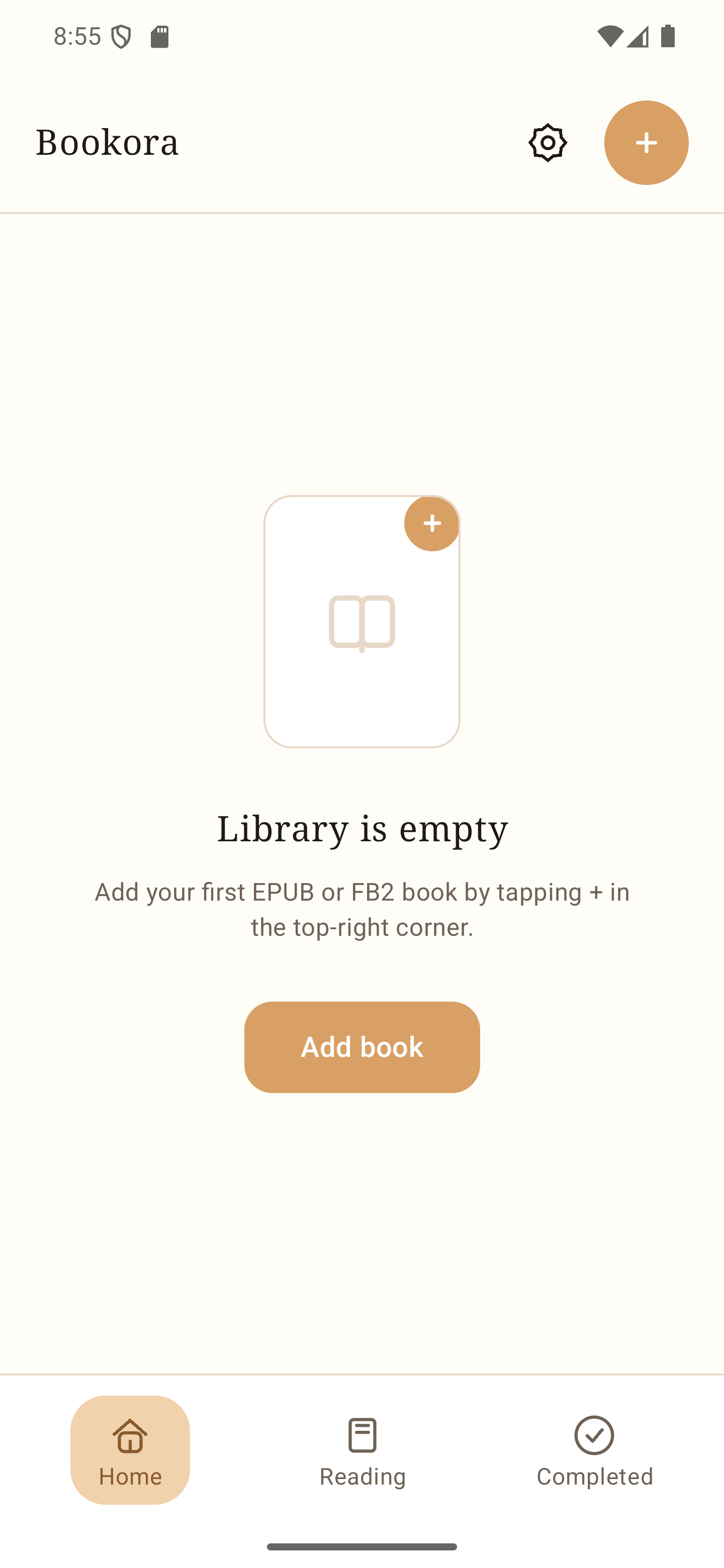
- 01
Add an EPUB
In the Bookora library, tap + or Add book. Choose an EPUB file from Android's file picker and open the imported book.
- 02
Start listening
In the reader, use the listening or play control to start narration. You can pause playback and change the speed in the player.
- 03
Follow the page
Keep the reader open as the narration plays. Bookora highlights the spoken passage and keeps your reading position, so you can return to reading when you stop listening.
Use your own legally obtained book files. Bookora does not supply books.
Keep readingHow to open an FB2 book on Android →
Bookora for Android